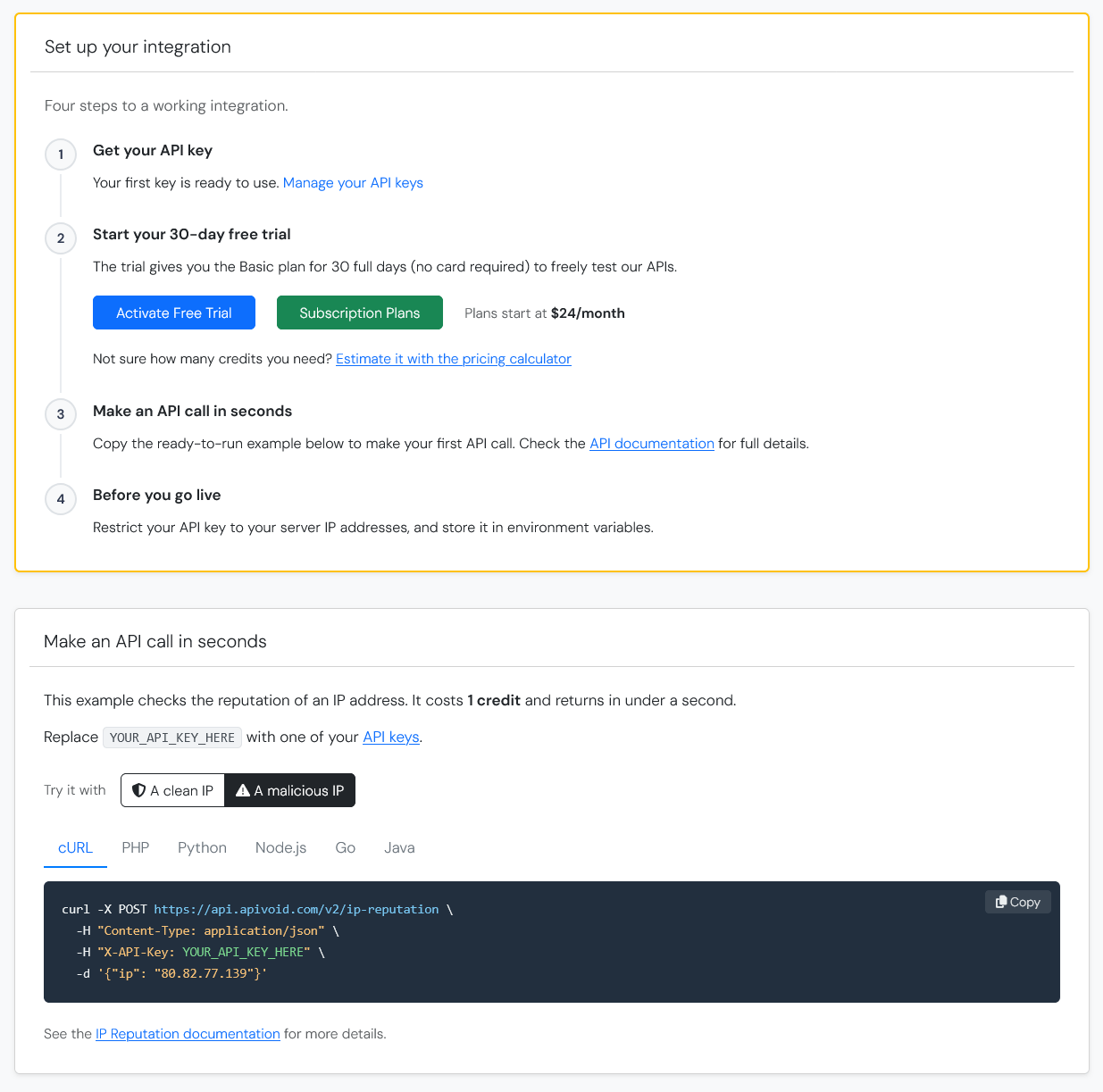
The dashboard home page is now more action-oriented, especially for new accounts. Previously a new user landed on an almost empty page with a "No subscription found" card, two buttons and two empty usage charts. With the new improved dashboard you get:
- A "Set up your integration" card with the four steps to go live: get your API key, start the 30-day free trial, make your first API call, and restrict your key before going to production
- A "Make an API call in seconds" card with a ready-to-run example in curl, PHP, Python, Node.js, Go and Java, a copy button, and a toggle to try it against a clean or a malicious IP
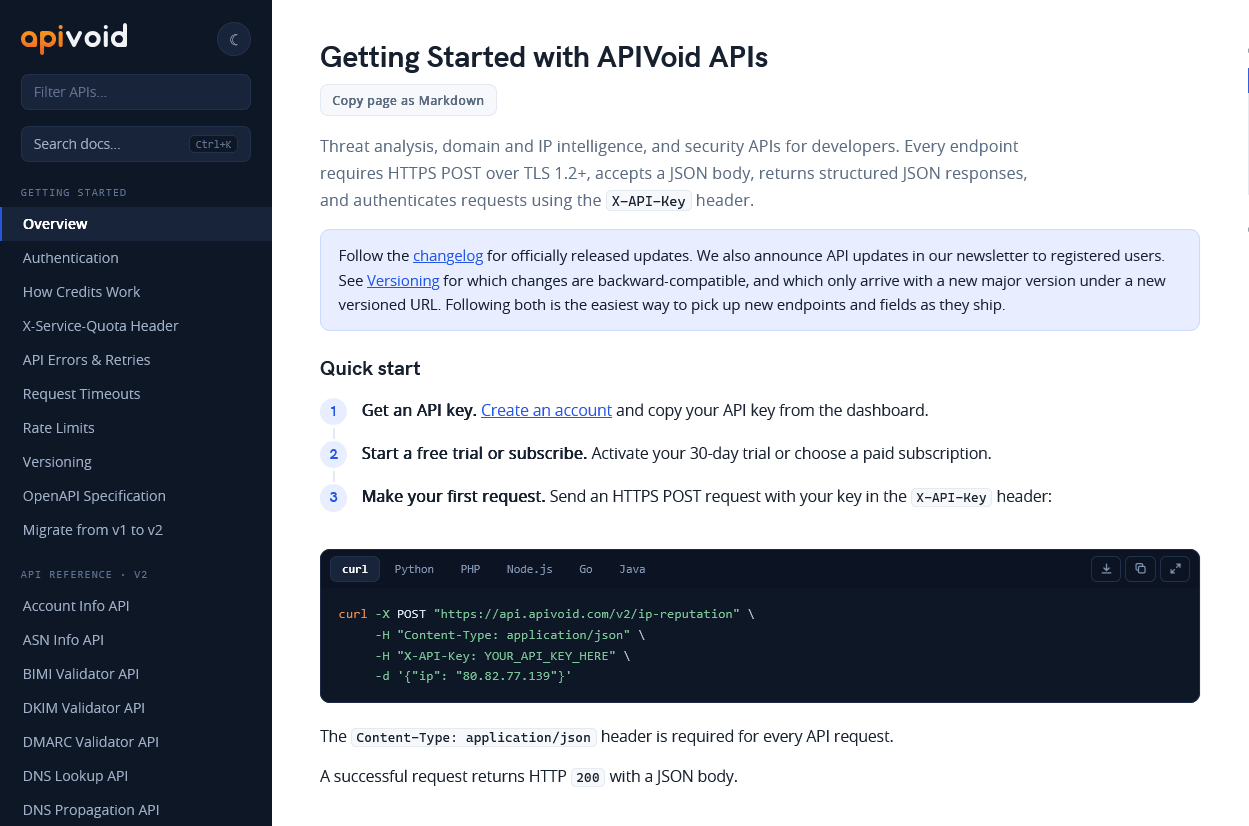
- "Questions before you start?" and "Useful links" cards pointing to the FAQs, API documentation, pricing calculator, service status, changelog and support
Paying customers also get the "Make an API call in seconds" card, a new "Switch to another plan" link on the Subscription Plan card, and FAQs and Service Status links in Quick Actions. We've also improved the usability of the registration form, the login form, and other pages.